"Mobivibe.online: Your Daily Dose of Honest Tech Reviews & Guides"
Google AI Mode for IPL 2026: How to Activate and Use New AI Features?
Google launches new AI Mode for IPL 2026! Learn how this feature will give you live predictions and player stats. Full details on Mobivibe.online.
IPL 2026GOOGLE AI MODEMOBIVIBEMOBIVIBE ONLINE
3/27/20261 min read
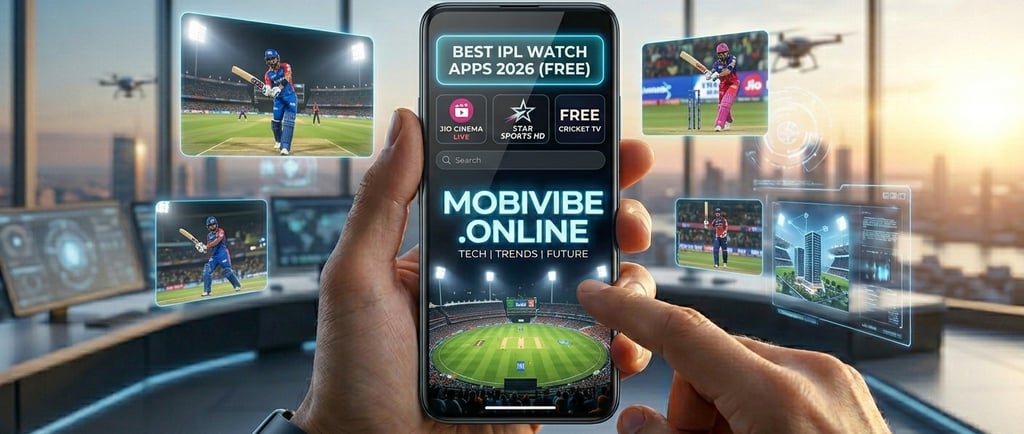
Google Al Mode for IPL 2026: The Game Changer is Here!
The IPL 2026 season kicks off today, and it's not just the players who are getting an upgrade. Google India has officially partnered with the BCCI to integrate its advanced Al Mode directly into the IPL experience. This is no longer just about checking scores; it's about having a conversational, data-rich expert in your pocket.
What is Google Al Mode for IPL?
Google Search has evolved from a list of links to an interactive Al engine. For IPL 2026, Google is an Official Premier Partner, meaning its Gemini-powered Al will be integrated into live broadcasts and the Google Search app to provide real-time tactical analysis.
Top Features to Watch Out For:
Conversational Insights: Instead of reading a static scorecard, you can ask, "How has Virat Kohli performed against left-arm spinners in the last 3 seasons?" and get an instant, summarized answer.
Tactical Analysis: The AI will analyze match situations in real-time, offering "Win Probabilities" and "Impact Scores" that update after every ball.
AI-Generated Summaries: Missed the match? AI Mode can create custom summaries of key moments, captaincy decisions, and turning points.
Search Live (Voice & Camera): You can now use your camera or voice to have a back-and-forth conversation with Google while watching the match.
How to Activate and Use Google AI Mode:
To get these futuristic features on your device, follow these steps:
Open the Google App: Make sure you are signed into your personal Google account.
Locate the AI Mode Button: On the home screen, right beneath the search bar, you will see a prominent "AI Mode" button.
Opt-in via Search Labs: If you don't see it, tap the Labs icon (the beaker) in the top left and enable the "AI Mode" experiment.
Start the Conversation: Type or say "IPL 2026 Live" and tap the Sparkle/AI icon on the score card to enter the deep-dive dashboard.
"Welcome to Mobivibe - Your Digital Compass for Tech & Gadgets!"
नमस्ते ! मैं हूँ bhikam, और Mobivibe की शुरुआत एक सरल विचार के साथ हुई थी: तकनीक (Technology) को हर किसी के लिए आसान और सुलभ बनाना।
आज के दौर में जब हर दिन नया स्मार्टफोन या इलेक्ट्रिक कार लॉन्च हो रही है, सही चुनाव करना मुश्किल हो जाता है। Mobivibe पर हम आपको मोबाइल फोन, लैपटॉप और लेटेस्ट गैजेट्स के ईमानदार रिव्यू, बजट गाइड्स और 'वैल्यू फॉर मनी' सुझाव देते हैं।
हमारा मकसद सिर्फ जानकारी देना नहीं, बल्कि आपको वह 'वाइब' देना है जिससे आप अपनी मेहनत की कमाई सही जगह इन्वेस्ट कर सकें। जुड़े रहें, और तकनीक की इस दुनिया में हमारे साथ अपडेट रहें !
क्या आपके पास कोई सवाल है? या आप चाहते हैं कि हम किसी खास गैजेट का रिव्यू करें? हम आपकी सुनने के लिए यहाँ हैं^
Contact✅
Newsletter
brffbrff36@gmail.com
123-123-1234
© 2024. All rights reserved.